From the team at Chatmaid.
One blog for all three Chatmaid apps. Filter by the product you care about, or read everything.

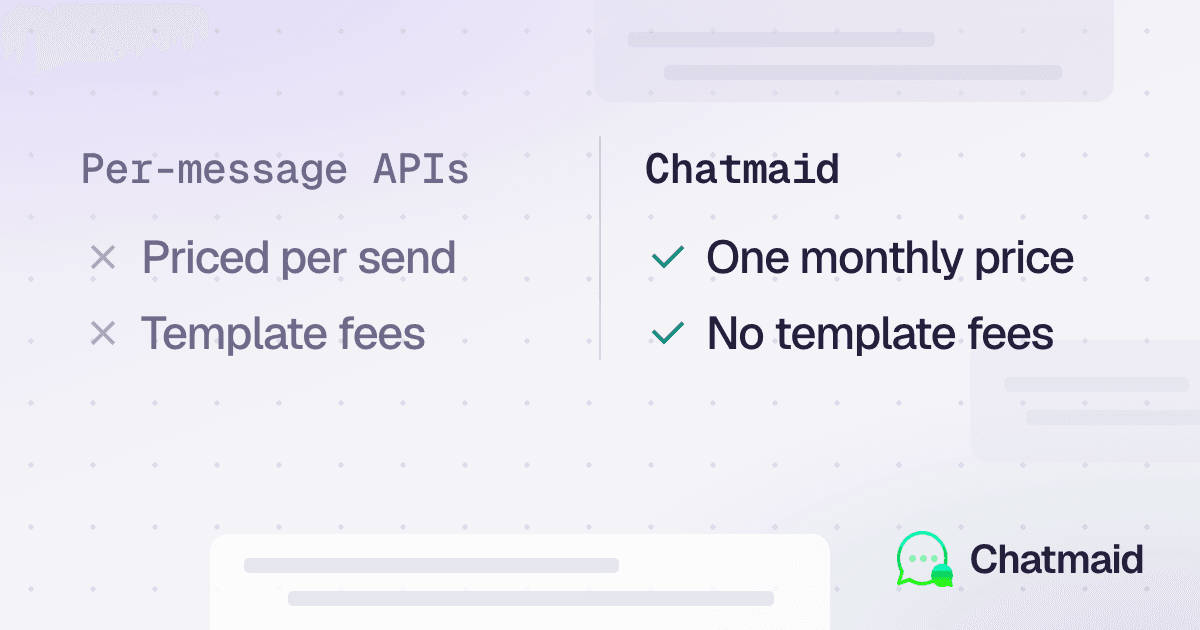
Chatmaid vs Twilio WhatsApp API: Which One Is Right for Your Project?
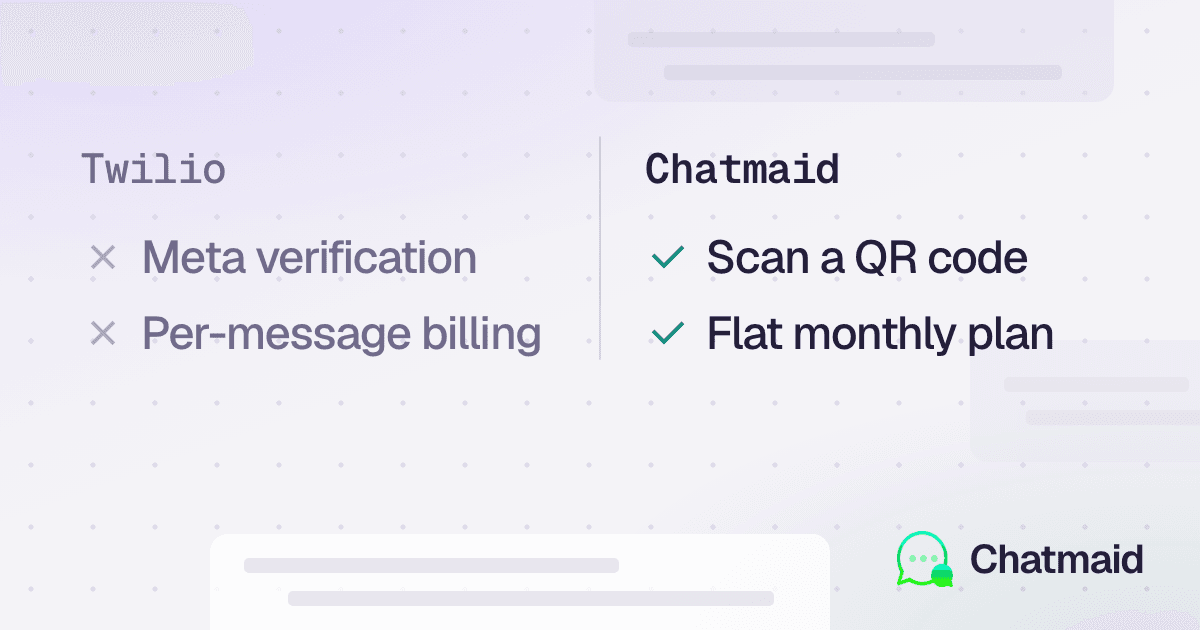
Chatmaid and Twilio both allow developers to integrate WhatsApp into their applications, but they target very different needs.

How to Receive and Process WhatsApp Messages via Webhook
Chatmaid webhooks give you a reliable, signed, retrying delivery system for incoming WhatsApp messages. Combined with the send API, they're the complete infrastructure for any bidirectional WhatsApp integration — without managing your own WebSocket connection or WhatsApp session. Start building: developers.chatmaid.net/signup Documentation: developers.chatmaid.net/docs/webhooks

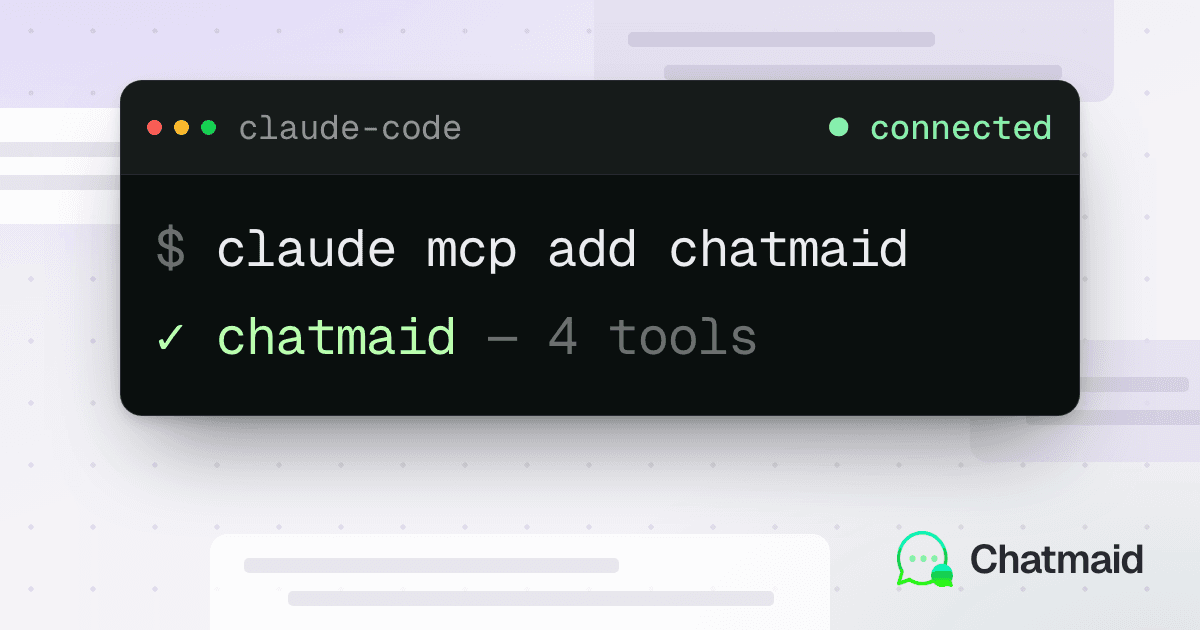
The Chatmaid MCP Server: Give Claude Code a Real WhatsApp Number
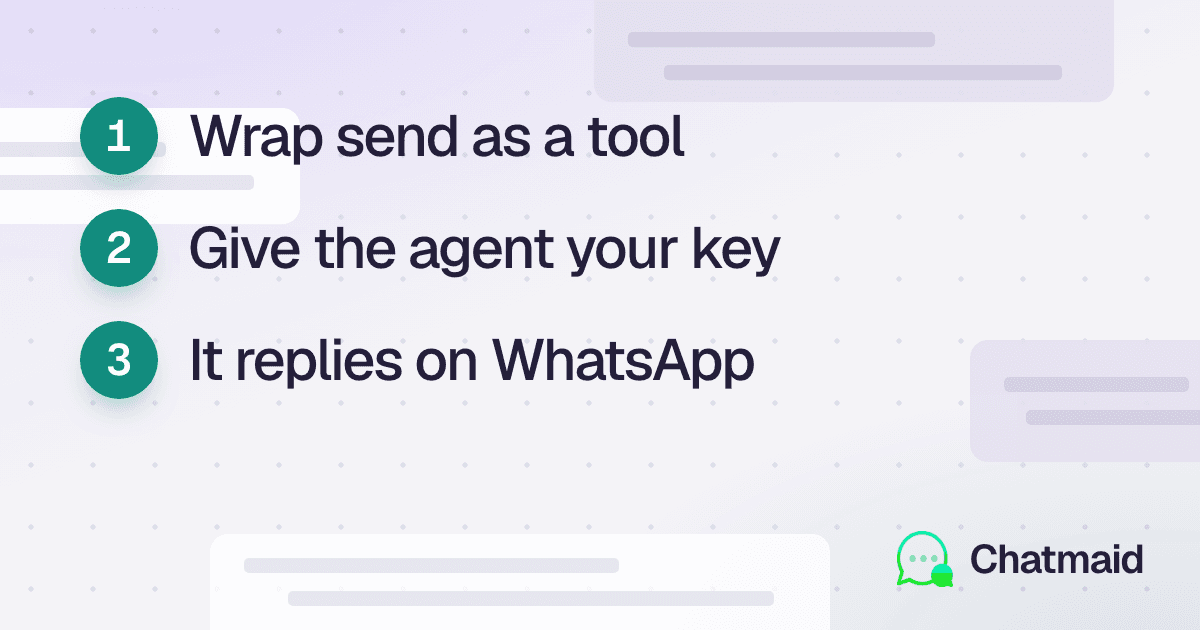
The Chatmaid MCP Server lets AI coding agents like Claude Code, Cursor, and Windsurf interact with WhatsApp natively through structured tools. Instead of manually reading API documentation and writing integration code, developers can install the MCP server and give their agents direct access to WhatsApp capabilities. The server includes eight built-in tools for sending messages, retrieving conversations, checking delivery status, and managing connected numbers.

WhatsApp API Without Meta Business Verification: A Developer's Guide
Most developers discover that integrating WhatsApp through Meta's official platform is slow, complex, and often unnecessary for their use case. This guide shows how to send and receive WhatsApp messages programmatically in minutes without waiting for Meta approvals. Chatmaid uses a connected WhatsApp account and exposes it through a simple REST API. Developers can send messages, receive webhooks, and build chatbots, notifications, and AI-powered workflows quickly. Setup takes less than five minutes: create an account, get an API key, connect a phone number, and start sending messages. Incoming messages can trigger AI agents, database lookups, or automated workflows through webhooks. Common use cases include customer support bots, appointment reminders, internal alerts, and AI assistants. Unlike official providers, there are no template requirements or 24-hour messaging restrictions. Chatmaid offers a faster and simpler alternative to Meta Cloud API, Twilio, and self-hosted WhatsApp solutions. It is designed for developers who want WhatsApp as an output and communication channel without enterprise-level complexity.

Build a 24/7 WhatsApp Customer Service Agent with n8n and Chatmaid
n8n + Chatmaid is one of the most practical stacks for building WhatsApp automation without enterprise budgets or development teams. The webhook-to-AI-to-reply loop is simple, reliable, and extensible — and it runs continuously without anyone watching it. Start building: developers.chatmaid.net/signup

How to Connect Your AI Agent (Claude, ChatGPT, Gemini) to WhatsApp in Minutes
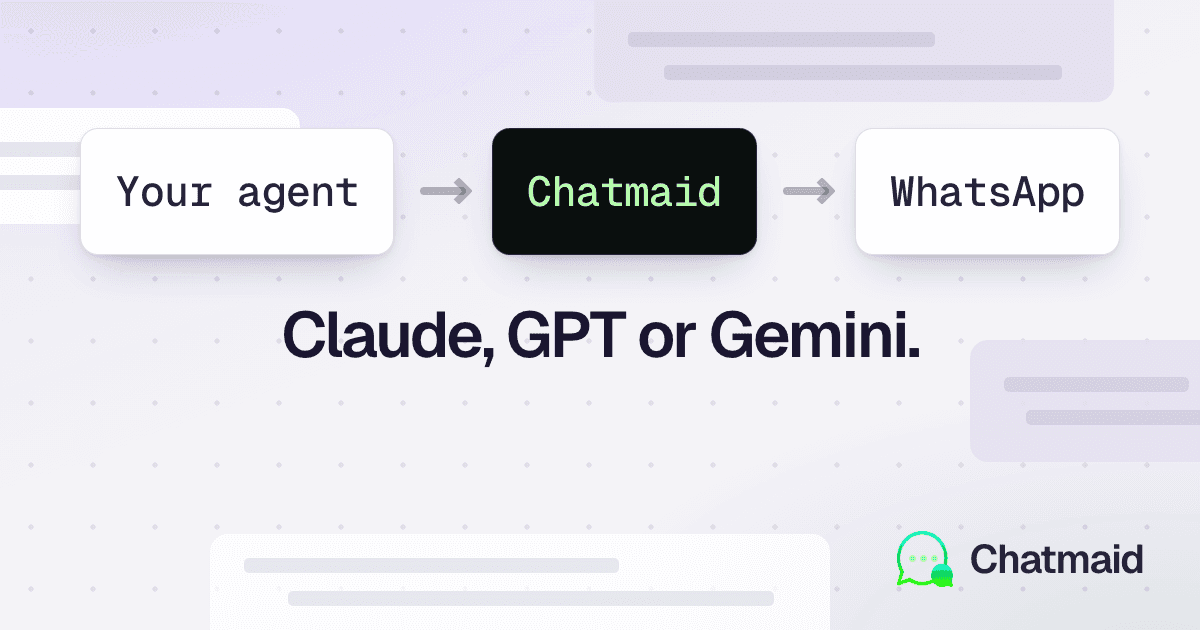
If you're building with Claude, ChatGPT, Gemini, or any other AI system and you want WhatsApp as an output channel, the bottleneck isn't your AI — it's the messaging infrastructure. Chatmaid removes that bottleneck with a QR-scan setup, a flat monthly price, and a clean REST API that any agent can call. Get started free: developers.chatmaid.net/signup

Best WhatsApp Scheduling Apps Compared: 2026 Buyer’s Guide
The market for WhatsApp scheduling apps in 2026 is bigger than it’s ever been, and most of the comparison articles you’ll find online are written by the apps themselves. This one isn’t pretending to be neutral — Chatmaid Schedule is in this list — but the comparisons below are accurate, and we’ll be straight about who each tool is right for.

How to Schedule Recurring WhatsApp Messages (Daily, Weekly, Monthly)
Some messages you only need to send once. Others — your weekly check-in with a client, your monthly invoice reminder, your daily standup ping to the team — repeat on a schedule. Sending these by hand wastes time and you’ll forget eventually. Setting them up to recur once means they happen forever without you thinking about it.

How to Schedule and Send WhatsApp Messages to Unsaved Contacts (Without Saving Them First)
There’s a small but real friction in WhatsApp’s design: you can’t open a chat with someone unless their number is already saved in your phone’s contacts. For a quick reply to a delivery driver, a one-time message to a sales lead, or a follow-up to a number on a business card, that means cluttering your address book with people you’ll never message again.

WhatsApp Scheduling for Restaurants: Reservations, Confirmations, and Review Requests
Restaurants live and die on covers, and a no-show on a Friday night for a four-top is real money on the floor. Most restaurants still rely on phone confirmations or hope that the booking platform’s email reminder is enough. Neither works as well as a simple WhatsApp message at the right moment. Here’s the full playbook.

How Doctors and Clinics Reduce No-Shows by 40% with WhatsApp Reminders
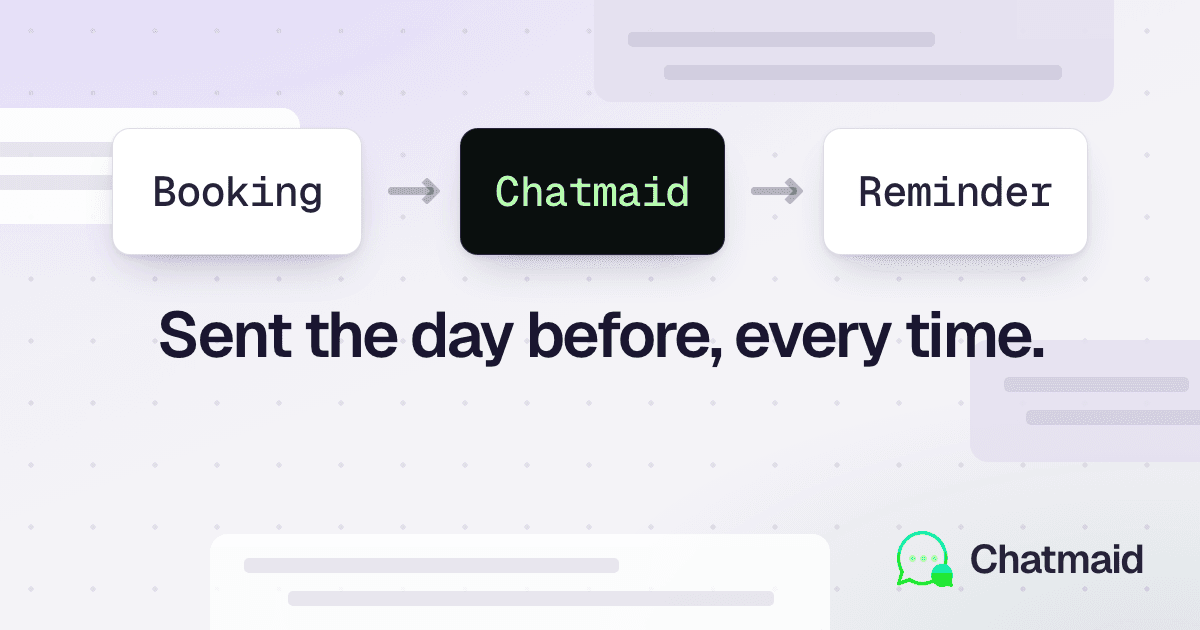
A no-show in a medical practice isn’t just one missed appointment. It’s also a slot that could have gone to another patient who’s still waiting, lost revenue, and wasted staff time on a confirmation call no one answered. Most clinics deal with no-show rates between 15% and 25%. The clinics that have moved their reminders to WhatsApp are consistently dropping that to 5–10%. Here’s how it works and how to set it up.

WhatsApp Scheduling for Real Estate Agents: The Complete Playbook
Real estate is a follow-up business. The deals you close are almost never the ones where you replied fastest — they’re the ones where you stayed in touch consistently, for weeks or months, while the buyer thought about it. WhatsApp is where most of that conversation happens now. And scheduling messages is how you make it manageable. This playbook covers exactly how successful real estate agents use WhatsApp scheduling to win more listings, close more deals, and reclaim their evenings.

How to Schedule WhatsApp Messages on WhatsApp Web and Desktop
Most people who do a lot of WhatsApp messaging — sales reps, customer service teams, freelancers handling clients — would rather type from a real keyboard than their phone. WhatsApp Web and the Desktop app let you do that. But neither has a built-in way to schedule messages for later. Here’s how to add scheduling to your computer-based WhatsApp workflow in 2026

How to Schedule WhatsApp Messages on Android (2026 Step-by-Step Guide)
Scheduling a WhatsApp message means writing it now and having it send automatically at a future time. On Android, you have more options than on iPhone — but most of them come with serious caveats. This guide walks through every method that actually works in 2026 and helps you pick the right one.

How to Schedule WhatsApp Messages on iPhone (2026 Step-by-Step Guide)
If you’ve ever wanted to send a WhatsApp message at a specific future time — a birthday wish at midnight, a sales follow-up at 9 AM Monday, a reminder to a client the night before their appointment — you’ve probably noticed that WhatsApp itself doesn’t make this easy on iPhone. This guide walks through every method that actually works in 2026, ranked by how reliable each one is. You’ll see the limitations of the workarounds and the simplest way to schedule WhatsApp messages on iPhone — including messages that send even when your phone is completely off.

How Coaches and Consultants Use WhatsApp Scheduling to Scale Their Business
If you're a coach or consultant, your income depends on two things: delivering great results, and consistently staying in front of the right people at the right time. The first part is your expertise. The second part — Chatmaid Schedule can handle that for you.

How to Never Miss a Birthday on WhatsApp: Automatic Birthday Messages
Missing a friend's birthday is awkward. Missing a client's birthday is a missed opportunity. And forgetting an important family member's birthday is just painful. With Chatmaid Schedule, you can set up automatic WhatsApp birthday messages once and never worry about forgetting again.

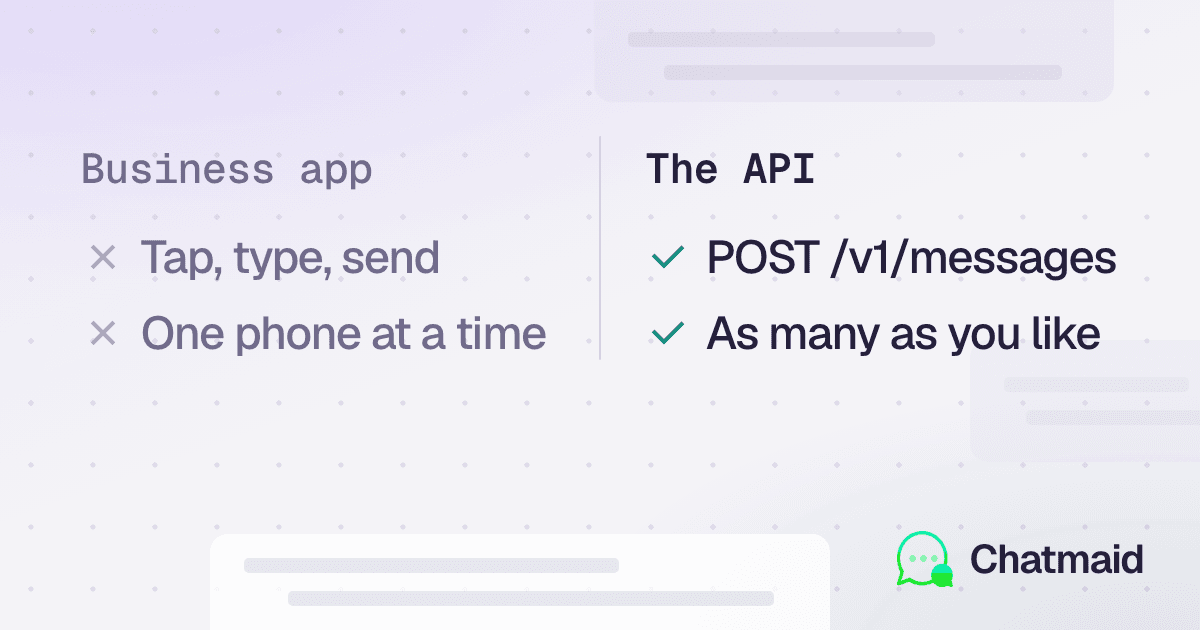
WhatsApp Scheduling vs WhatsApp Business: What's the Difference?
If you use WhatsApp for business, you've probably heard of WhatsApp Business. But does it let you schedule messages? And how does it compare to a dedicated scheduling app like Chatmaid Schedule? Here's everything you need to know.

50 WhatsApp Reminder Message Templates You Can Use Today
The right reminder message — sent at the right time — can reduce no-shows, recover lost sales, and keep your business running smoothly. Below are 50 ready-to-use WhatsApp reminder message templates, organized by category. Copy them, personalize them with [name], and schedule them with Chatmaid Schedule.

The Best Time to Send WhatsApp Messages for Business (Data-Backed Guide)
Sending a WhatsApp message at the wrong time is like calling someone at 3 AM — technically delivered, but practically useless. Timing your messages well is one of the simplest ways to dramatically increase response rates and improve customer relationships. Here's what the data says about the best times to send WhatsApp messages for business, and how to use scheduling tools to always hit that window.

WhatsApp Automation for Small Business: How to Save 5+ Hours a Week
If you run a small business, you already know that WhatsApp is where your customers live. It's where they ask questions, confirm appointments, and expect fast replies. But manually managing all of that messaging takes time — time you don't have. WhatsApp automation changes that. Here's how small businesses are using tools like Chatmaid Schedule to cut 5 or more hours of manual messaging every single week.

How to Send WhatsApp Messages When Your Phone Is Off in 2026
It may sound impossible to send a WhatsApp message while your phone is completely off. But in 2026, it's not only possible, it's easy. Here's how it works and how you can set it up in minutes.

How to Schedule WhatsApp Messages: The Complete Guide (2026)
Have you ever needed to send a WhatsApp message at the perfect time — but couldn't guarantee you'd be available? Whether it's a birthday wish at midnight, a business follow-up first thing in the morning, or a reminder to a client before their appointment, scheduling WhatsApp messages is one of the most powerful productivity habits you can build. In this guide, we'll walk you through exactly how to schedule WhatsApp messages in 2026, including the best tools, step-by-step instructions, and tips to do it even when your phone is off.

How Leaders Like Eric Schmidt, Indra Nooyi, and Warren Buffett Use Follow-Up to Win
Leaders like Eric Schmidt, Indra Nooyi, and Warren Buffett didn’t just reach positions of global power and influence. They cultivate a discipline that many underestimate: consistent follow-up.

7 Types of Follow-ups You Can Automate Today with ChatMaid Schedule
With ChatMaid Schedule, you can schedule your WhatsApp follow-up messages in a simple, personalized, and timely way. Here are 7 real types of follow-ups you can start automating today!

The Psychology of Follow-Up: Why We Trust Those Who Reach Out Again
In sales, business, and life, there’s a quiet principle that makes a big difference: we tend to trust those who stay present.

From Chaos to Consistency: How Automated Follow-Up Changed My Business (Testimonial)
Testimonial - For years, I felt stuck in a frustrating cycle, until I realized the follow-up was the problem.

Why WhatsApp Is the #1 Follow-Up Tool for Business in 2025
The world's communication has changed. Today, customers are somewhere else: WhatsApp.

The Real Reason You're Losing Sales? Lack of Follow-Up
Professionals think they lose sales because of price, competition, or a lack of “natural talent for selling.”