How to Add Conversation Memory to Your WhatsApp AI Agent
Conversation memory transforms a basic WhatsApp bot into a genuine service agent. The implementation is straightforward: store every message turn in Google Sheets or Supabase, retrieve it before each AI call, and include it as context. Combined with Chatmaid's webhook infrastructure for receiving messages and the send API for replies, you have a complete, production-ready WhatsApp AI agent. Get started: developers.chatmaid.net/signup
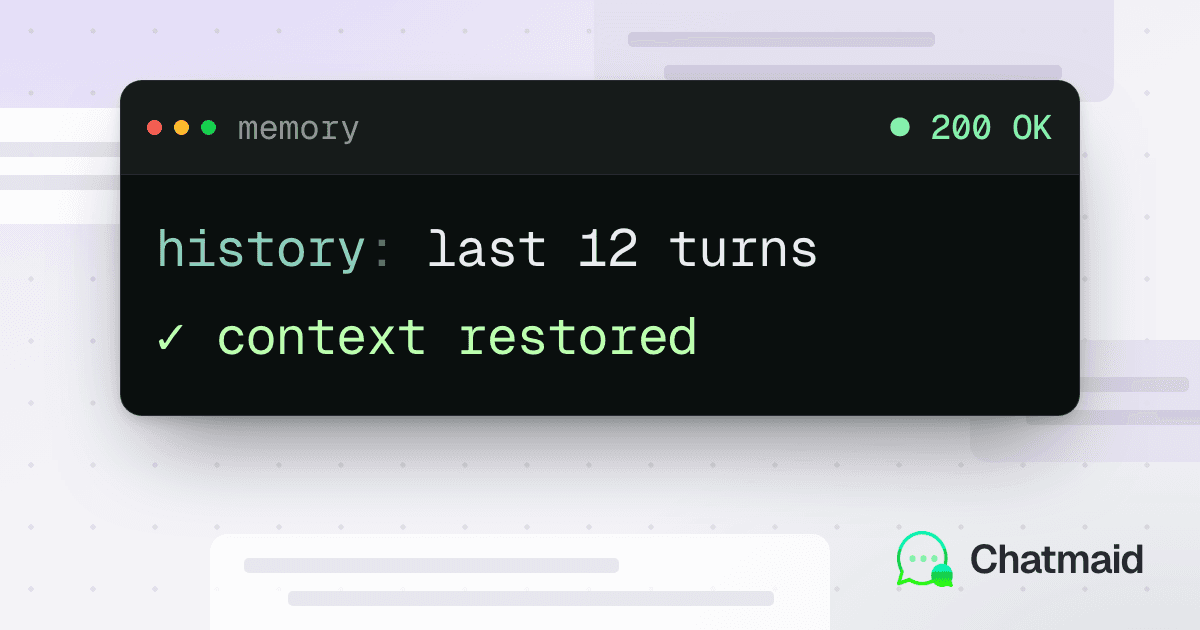
The difference between a good AI agent and a frustrating one often comes down to memory.
Without memory, your WhatsApp bot treats every message as if it's the first. A customer who spent five minutes answering qualification questions yesterday gets asked the same questions again today. That's not just annoying — it signals to the customer that they're talking to a dumb system, not an intelligent one.
With conversation memory, your agent picks up where the last conversation left off. It knows the customer's name, their last inquiry, their preferences. It feels like a service relationship, not a cold form.
This guide shows you two practical approaches to adding memory to a Chatmaid-powered WhatsApp AI agent.
The Memory Problem in Context
WhatsApp messages arrive as discrete webhook events. Each one is a new HTTP request to your server — there's no inherent connection between message #1 and message #12 from the same customer.
Your AI model also has no built-in memory. Every call to the Claude or OpenAI API starts fresh. The only context it has is what you include in the current request.
The solution: store conversation history in an external database, retrieve it when a new message arrives, and include it in the AI prompt as context.
What to Store
For each conversation turn, store:
- Phone number (the unique identifier for the customer)
- Role (
userorassistant) - Content (the message text)
- Timestamp
- Session ID (optional — to group conversations by date or session)
Approach 1: Google Sheets (Simple, No-Code-Friendly)
Google Sheets works well for low-to-medium volume agents built in n8n. It's free, easy to inspect, and doesn't require any database setup.
Schema
Create a Google Sheet with these columns:
phone
role
content
timestamp
+50761234567
user
Hi, what are your prices?
2026-06-01T10:00:00Z
+50761234567
assistant
Our plans start at $29/month...
2026-06-01T10:00:02Z
Reading history in n8n
Add a Google Sheets node before your AI call:
- Action: Get Rows
- Filter:
phone = {{ $json.customerPhone }} - Limit: 20 rows (last 10 conversation turns)
- Sort: by timestamp, ascending
Formatting for the AI
In a Function node, transform the sheet rows into the message array format:
javascript
const history = $input.all() .filter(row => row.json.phone === customerPhone) .slice(-20) // Last 20 messages .map(row => ({ role: row.json.role, content: row.json.content })); // Add the current incoming message history.push({ role: "user", content: currentMessage }); return { messages: history };
Pass this messages array to your AI API call.
Writing history after the AI responds
After getting the AI reply, append two rows to the sheet:
{ phone, role: "user", content: customerMessage, timestamp }{ phone, role: "assistant", content: aiReply, timestamp }
Limitations of Google Sheets
- Slow for high-volume (100+ conversations/day)
- No indexing — row lookup gets slower as the sheet grows
- No easy deletion or TTL for old conversations
For production scale, move to a real database.
Approach 2: Supabase (Production-Ready)
Supabase is a hosted PostgreSQL service with a free tier. It's significantly faster than Google Sheets for queries, supports proper indexing, and integrates well with n8n, custom code, and serverless functions.
Create the table
In Supabase's SQL editor:
sql
CREATE TABLE whatsapp_chat_history ( id SERIAL PRIMARY KEY, phone_number TEXT NOT NULL, session_id TEXT, role TEXT NOT NULL CHECK (role IN ('user', 'assistant', 'system')), content TEXT NOT NULL, created_at TIMESTAMPTZ DEFAULT NOW() ); -- Index for fast lookups by phone number CREATE INDEX idx_whatsapp_phone ON whatsapp_chat_history(phone_number); -- Composite index for phone + time ordering CREATE INDEX idx_whatsapp_phone_time ON whatsapp_chat_history(phone_number, created_at DESC);
Reading history (Python/Node.js)
python
from supabase import create_client supabase = create_client(SUPABASE_URL, SUPABASE_KEY) def get_conversation_history(phone: str, limit: int = 20): result = supabase.table('whatsapp_chat_history') \ .select('role, content') \ .eq('phone_number', phone) \ .order('created_at', desc=False) \ .limit(limit) \ .execute() return result.data # [{ "role": "user", "content": "..." }, ...]
javascript
const { data } = await supabase .from('whatsapp_chat_history') .select('role, content') .eq('phone_number', customerPhone) .order('created_at', { ascending: true }) .limit(20);
Saving history
python
def save_message(phone: str, role: str, content: str, session_id: str = None): supabase.table('whatsapp_chat_history').insert({ 'phone_number': phone, 'role': role, 'content': content, 'session_id': session_id }).execute()
Using it in your webhook handler
python
@app.route('/webhook/whatsapp', methods=['POST']) def webhook(): # ... signature verification ... data = request.json['data'] phone = data['from'] customer_message = data['content'] # 1. Get conversation history history = get_conversation_history(phone, limit=20) # 2. Save the incoming message save_message(phone, 'user', customer_message) # 3. Call the AI with history as context messages = history + [{'role': 'user', 'content': customer_message}] response = openai.chat.completions.create( model="gpt-4o", messages=[ {"role": "system", "content": SYSTEM_PROMPT}, *messages ] ) ai_reply = response.choices[0].message.content # 4. Save the AI reply save_message(phone, 'assistant', ai_reply) # 5. Send via Chatmaid send_whatsapp(phone, FROM_PHONE, ai_reply) return jsonify({'received': True}), 200
Session Management
Sometimes you want to start a fresh conversation even with an existing customer — for example, if someone contacts support about a new issue days after their last interaction.
Define a session as ending after X hours of inactivity:
python
def get_active_session_history(phone: str, session_timeout_hours: int = 24): cutoff = datetime.utcnow() - timedelta(hours=session_timeout_hours) result = supabase.table('whatsapp_chat_history') \ .select('role, content') \ .eq('phone_number', phone) \ .gte('created_at', cutoff.isoformat()) \ .order('created_at', desc=False) \ .limit(20) \ .execute() return result.data
Messages older than 24 hours aren't included — the next message starts a fresh context.
Extracting Customer Profile from Memory
Once you have conversation history, you can ask the AI to extract and maintain a customer profile:
python
def extract_customer_profile(history: list) -> dict: if len(history) < 2: return {} response = openai.chat.completions.create( model="gpt-4o", messages=[ { "role": "system", "content": "Extract key customer information from this conversation. Return JSON with: name, email, budget, timeline, main_interest, qualification_status (cold/warm/hot). Only include fields you're confident about." }, { "role": "user", "content": f"Conversation: {json.dumps(history)}" } ], response_format={"type": "json_object"} ) return json.loads(response.choices[0].message.content)
Store this profile in a separate customer_profiles table and update it after every conversation. This gives your human agents instant context when they take over an escalated conversation.
Managing Storage Costs
Conversation history grows. To keep your database lean:
Option A: TTL-based cleanup
Delete messages older than 90 days:
sql
-- Run weekly via cron DELETE FROM whatsapp_chat_history WHERE created_at < NOW() - INTERVAL '90 days';
Option B: Summarization
Instead of deleting old messages, periodically summarize them. Replace 50 old messages with a single system message that says "Summary of previous conversations: the customer is a returning buyer interested in..."
This keeps context without unbounded storage growth.
Testing Memory Behavior
Before going live, test these scenarios:
- New contact: First message from an unseen phone number — agent should greet and start from scratch
- Returning contact: Second message from the same number — agent should reference the previous conversation
- Session gap: Message after 48 hours — agent should start fresh but can access profile data
- Long conversation: 30+ message thread — agent should use the most recent 20, not try to include everything