From Scheduled Follow-Ups to API Automation: Different Ways to Send WhatsApp Messages
Manual sending, a WhatsApp follow-up message scheduler, or an API: when each approach fits, and how to move from one to the next as your contact list grows.
Think about the last time you meant to follow up with a customer and simply forgot. The day got busy, the lead went quiet, or you typed the message and never pressed send. It happens to everyone, and it usually costs more than we admit. WhatsApp is where people actually read and reply, so how you send messages matters as much as what you say. This guide walks through the main ways to send them, from manual chats to full automation.
Why WhatsApp deserves a real strategy
Email inboxes are crowded and phone calls feel intrusive, but a WhatsApp message usually gets opened within minutes. That is why so many small teams and growing brands treat it as a core channel. The trouble is that most still handle it by hand, one chat at a time. That works until the contact list grows past a few dozen people, and then good intentions start slipping through the cracks. A little planning early saves a lot of stress later.
The manual route: simple but limited
Sending by hand is where almost everyone starts, and there is nothing wrong with that. You open a chat, type a note and press send. It feels personal because it is.
The cost is time. Every reminder, thank-you and check-in needs your attention at the exact moment it should go out. When you are juggling meetings, sales calls and customer questions, timing becomes unpredictable, and unpredictable timing is how warm leads go cold. Manual sending still has its place, but it rarely scales on its own.
Scheduling follow-ups so nothing slips
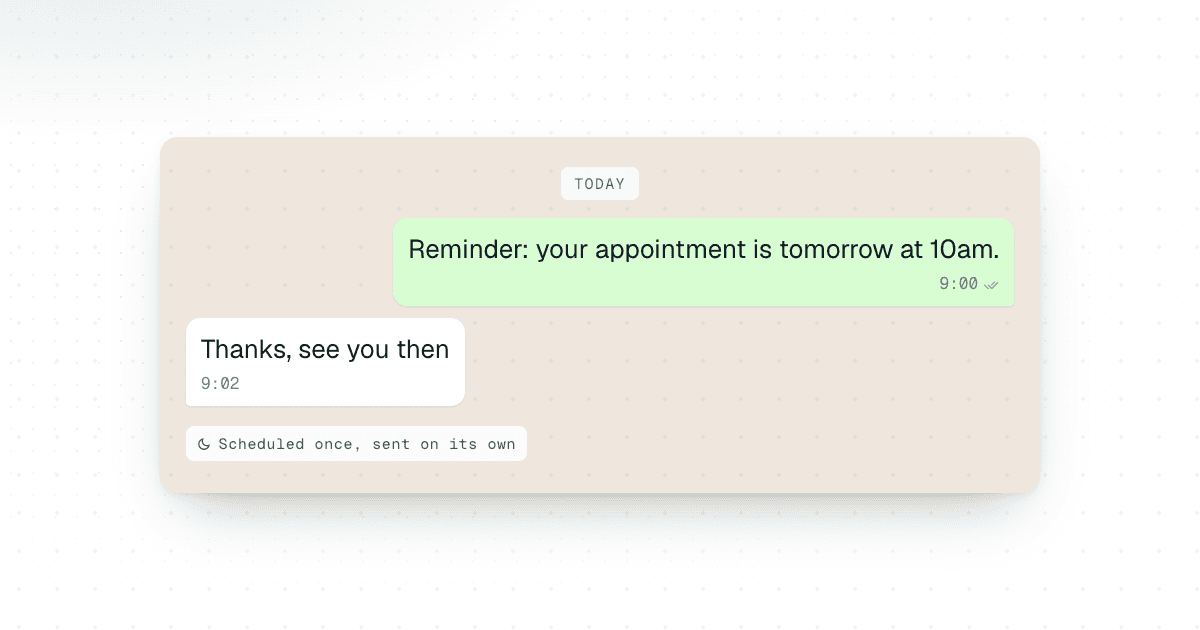
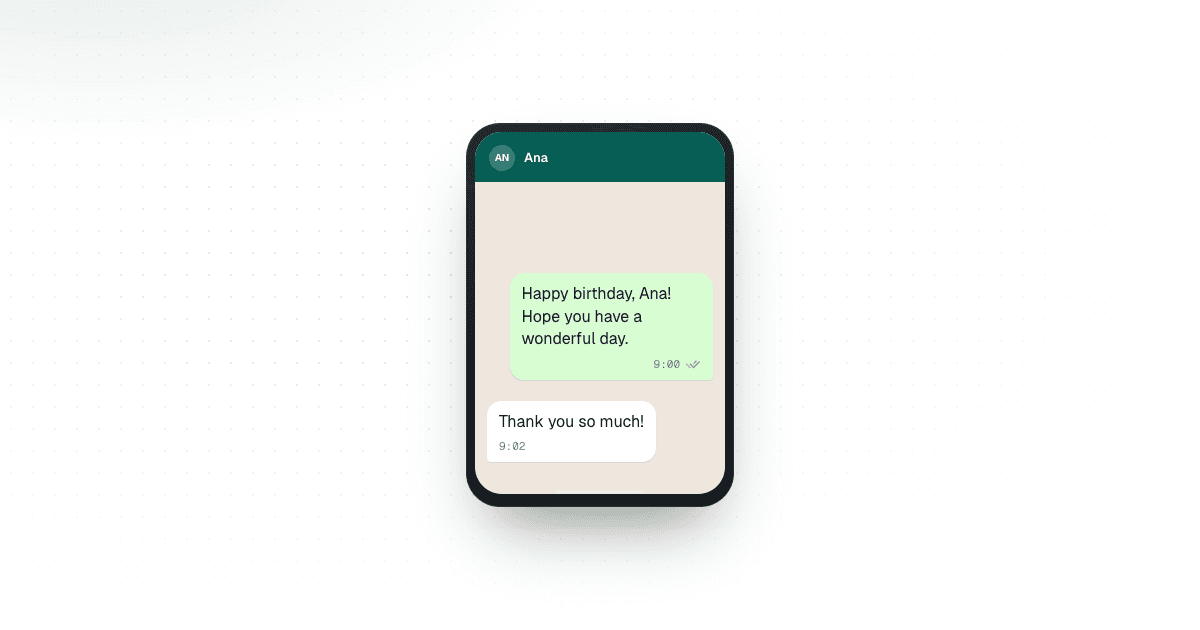
This is where a WhatsApp follow-up message scheduler changes your workday. Instead of relying on memory, you write the message once, pick a date and time, and let it go out on its own. Plan a welcome note for a new customer, a gentle nudge for someone who has not replied, or a reminder before an appointment, all in advance.
Every message still feels human, because you wrote it. You just decide when it lands. With Chatmaid Schedule it is sent from your own number, even when your phone is off, and recurring follow-ups can repeat daily, weekly or monthly.
Reaching people at the right moment
Timing quietly shapes how a message is received. A message that arrives right after someone shows interest feels helpful; the same message a week later feels forgotten. Scheduling lets you match your outreach to your customer’s rhythm, whether that is a morning reminder or a Friday check-in.
It also helps when you serve people in different time zones: queue messages to arrive at sensible hours instead of waking anyone up. Details like these make a brand feel thoughtful, and thoughtful brands earn trust faster.
Sending to a whole list
Some follow-ups go to many people at once: a reminder to everyone booked for Saturday, or an update to every customer who ordered last month. Chatmaid Web sends one message to a whole contact list from your browser, personalized for each recipient, right away or on a schedule.
Stepping up to automation with an API
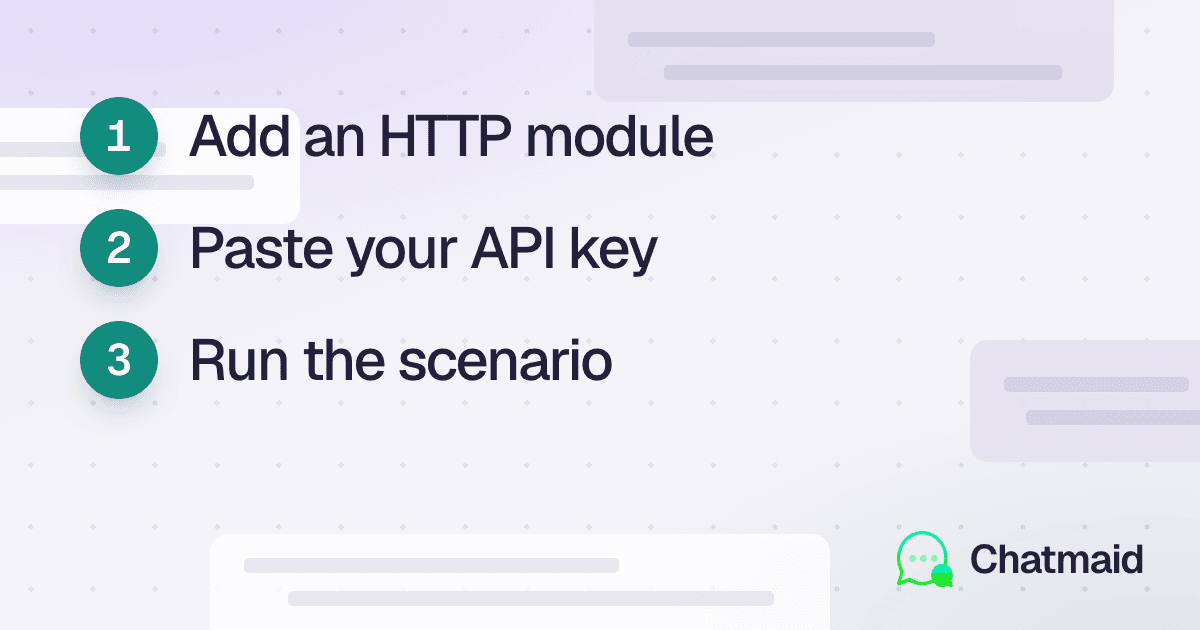
Once volume grows, or once you want WhatsApp to work directly with your other tools, an API is the natural next step. Many teams send WhatsApp messages using an API so that order confirmations, payment updates and support replies go out the moment something happens in their system.
It takes a little setup, but the payoff is consistency at scale: nobody has to remember anything, and customers get instant, accurate updates. Chatmaid Developers gives you a REST API, webhooks and a free sandbox, so you can start with simple scheduling and grow into deeper automation when you are ready.
Choosing the method that fits
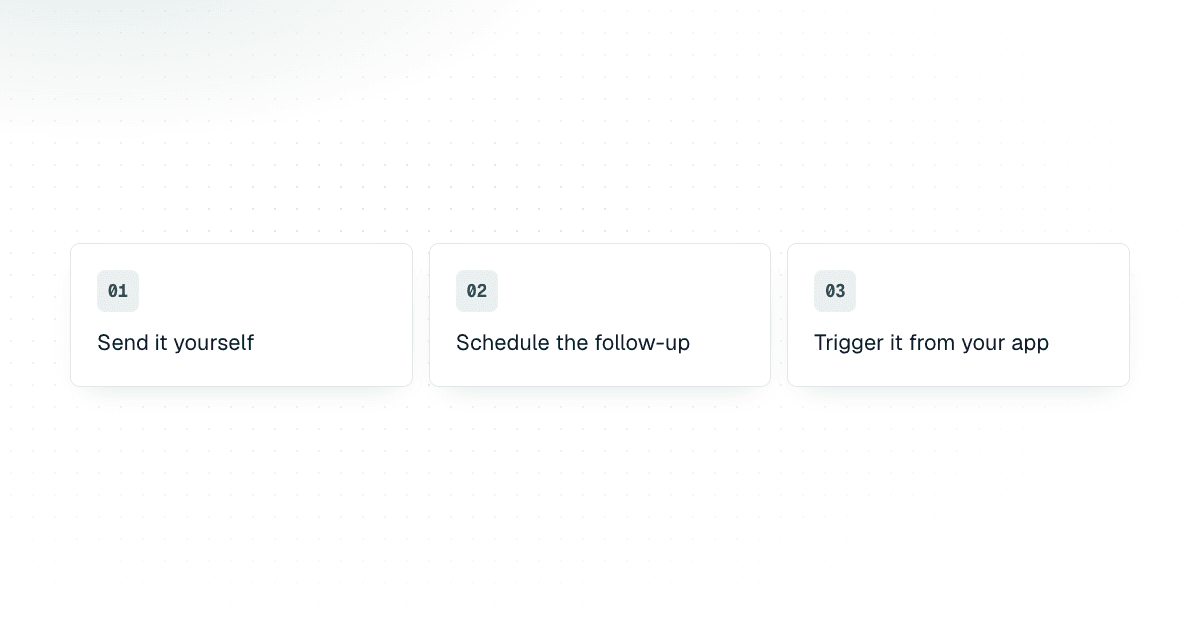
There is no single right answer. The best approach depends on your size, your goals and how much time you can spare each week. Most businesses end up combining two or all three methods, which is perfectly healthy. Start where you are comfortable, watch what customers respond to, and adjust as you learn:
- Manual sending: best for very small contact lists and highly personal conversations.
- Scheduled messages: best for busy owners who want reliable timing without technical work.
- API automation: best for growing teams that need messages triggered by real customer events.
Habits that make every message better
Whichever method you choose, a few habits lift results. Keep messages short and friendly, use the person’s name, and always offer a clear next step. Avoid sending too many messages in a row: respecting someone’s attention is what keeps them engaged. Above all, sound like a real person. People can tell when a message was written with care, and they reward it with replies, loyalty and referrals. Automation should support your voice, not replace it.
Conclusion
Following up should be second nature, not a burden. With the right setup, you can stay responsive to customers even when you are away from your phone. If you are tired of missed replies and forgotten check-ins, try a WhatsApp follow-up message scheduler and see how much lighter your day gets. Compare the Chatmaid apps to find the one that fits how you work today.
FAQs
What is a WhatsApp follow-up message scheduler?
A tool that lets you write WhatsApp messages in advance and schedule them for a specific date and time.
When should I use scheduled WhatsApp messages?
For customer follow-ups, appointment reminders, welcome messages and routine check-ins.
What is WhatsApp API automation used for?
It connects WhatsApp to other software, so messages are sent automatically when events happen, such as an order, a payment or a booking.
Can scheduled WhatsApp messages still feel personal?
Yes. You write each message yourself and choose when it arrives, without composing it at the last minute.
Should I use manual sending, scheduling or API automation?
Manual sending suits small contact lists, scheduling suits planned communication, and API automation suits larger, event-driven workflows. Many businesses use all three.