WhatsApp API Without Meta Business Verification: A Developer's Guide
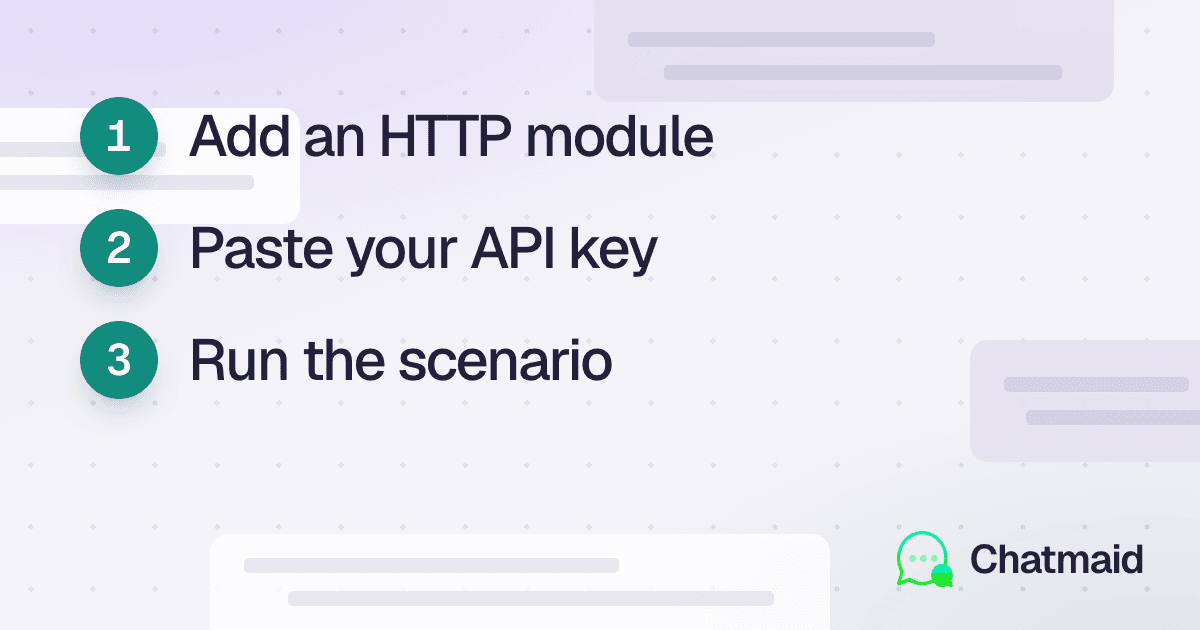
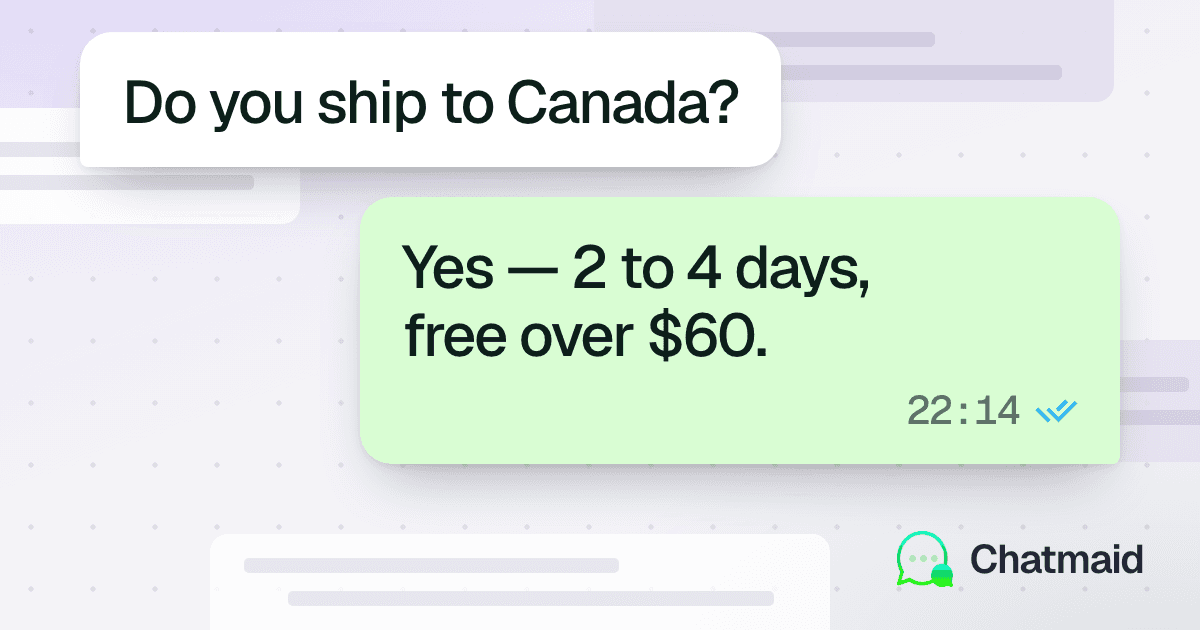
Most developers discover that integrating WhatsApp through Meta's official platform is slow, complex, and often unnecessary for their use case. This guide shows how to send and receive WhatsApp messages programmatically in minutes without waiting for Meta approvals. Chatmaid uses a connected WhatsApp account and exposes it through a simple REST API. Developers can send messages, receive webhooks, and build chatbots, notifications, and AI-powered workflows quickly. Setup takes less than five minutes: create an account, get an API key, connect a phone number, and start sending messages. Incoming messages can trigger AI agents, database lookups, or automated workflows through webhooks. Common use cases include customer support bots, appointment reminders, internal alerts, and AI assistants. Unlike official providers, there are no template requirements or 24-hour messaging restrictions. Chatmaid offers a faster and simpler alternative to Meta Cloud API, Twilio, and self-hosted WhatsApp solutions. It is designed for developers who want WhatsApp as an output and communication channel without enterprise-level complexity.
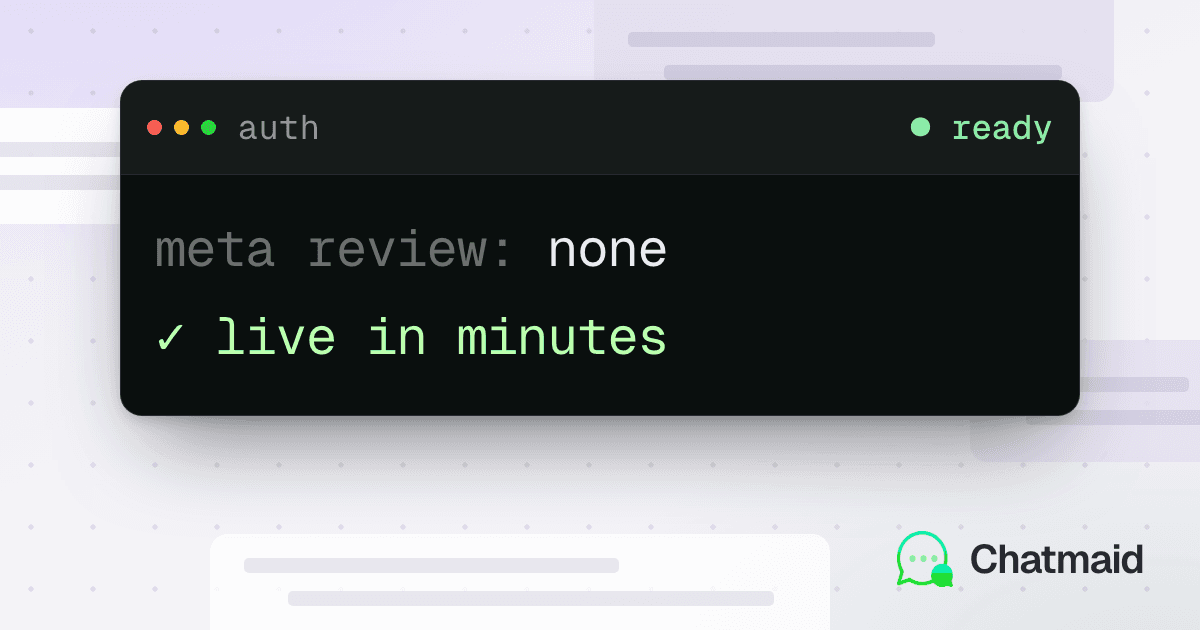
The first time most developers try to integrate WhatsApp into an application, they hit the same wall: Meta's official WhatsApp Business Platform requires a verified business account, a reviewed phone number, pre-approved message templates, and a wait time that can stretch into weeks.
For startups, indie developers, and internal tools teams, that process is a non-starter.
This guide explains how programmatic WhatsApp messaging works without going through Meta's approval process, what the tradeoffs are, and how to start sending messages in under five minutes.
Why Meta's Official API Is Overkill for Most Developers
The WhatsApp Business Platform (formerly WhatsApp Business API, now Meta Cloud API) is a serious enterprise product. It's built for companies like airlines and banks that send millions of templated notifications per month under strict compliance requirements.
What it's not built for:
- A developer who wants their app to send a WhatsApp notification when something happens
- A small business that wants a WhatsApp chatbot without a compliance department
- An AI agent that needs to surface its output in WhatsApp instead of email
- An internal tool that alerts the team via WhatsApp when a deploy fails
For these use cases, the official API is overengineered and under-accessible.
How Programmatic WhatsApp Works Without Meta
WhatsApp Web — the browser client at web.whatsapp.com — uses a WebSocket protocol to sync messages between your phone and the browser. Several mature open-source libraries (whatsapp-web.js, whatsmeow, Baileys) have reverse-engineered this protocol to expose it as a programmable interface.
Chatmaid is a hosted API service built on this approach. Instead of running your own server with these libraries (which requires maintaining a long-lived process, handling reconnections, and managing sessions), Chatmaid manages the connection and exposes it as a clean REST API.
You connect a phone number once via QR code, and from that point forward, any HTTP client — your app, your script, your AI agent — can send messages through it.
What This Enables (and What It Doesn't)
What you can do
- Send any message at any time — no 24-hour session window, no template requirements
- Send to any contact — not just people who have messaged you first
- Receive incoming messages — via webhooks, in real time
- Send rich content — images, documents, audio, video
- Connect multiple numbers — route through different senders for different purposes
- Integrate AI agents — give Claude, GPT-4o, or any other model a WhatsApp voice
What you should be aware of
This approach connects through WhatsApp's consumer protocol, not the official Business API. That means:
- No blue checkmark — your number appears as a regular WhatsApp account, not a verified business
- Volume sensitivity — sending unsolicited bulk messages to strangers at high volume increases ban risk, just as it would on any social platform
- Terms of service — using third-party clients sits in a gray area in WhatsApp's ToS; Chatmaid is designed for legitimate business communication, not spam
In practice, developers building legitimate customer communication tools — service updates, appointment reminders, AI agents, internal alerts — don't encounter issues. The risk comes from bulk cold messaging.
Setting Up in Under 5 Minutes
1. Create a Chatmaid account
Go to developers.chatmaid.net/signup. No credit card required for the sandbox.
2. Get your API key
Your sandbox key appears immediately in the dashboard. It looks like sk_test_xxxxxxxx. Use this for all testing — it simulates the full message lifecycle without touching WhatsApp.
When ready to go live, subscribe ($7.99/month) and generate a live key: sk_live_xxxxxxxx.
3. Connect a phone number
In the dashboard, click Add Number. A QR code appears. Open WhatsApp on your phone → Linked Devices → Link a Device → scan the QR. Done. Your number is now connected.
4. Send your first message
curl -X POST https://developers-api.chatmaid.net/v1/messages/send \
  -H "Authorization: Bearer sk_live_xxx" \
  -H "Content-Type: application/json" \
  -d '{
    "fromPhoneId": "+15551234567",
    "to": "+15557654321",
    "content": "Hello from the API!"
  }'
Response:
{
  "messageId": "msg_abc123",
  "status": "sent",
  "createdAt": "2026-06-01T10:30:00Z"
}
That's it.
Receiving Incoming Messages
This is the feature that unlocks most interesting use cases. Configure a webhook URL in your Chatmaid dashboard, and incoming messages get delivered to your server in real time:
{
  "event": "message.received",
  "data": {
    "from": "+15557654321",
    "to": "+15551234567",
    "content": "What are your office hours?",
    "timestamp": "2026-06-01T10:31:00Z"
  }
}
Your backend receives this, processes it — with an AI model, a FAQ lookup, a database query, whatever — and calls the send endpoint to reply. The customer sees a response in their WhatsApp chat.
Webhooks are HMAC-signed (X-Chatmaid-Signature: sha256=...) so you can verify they're genuinely from Chatmaid before processing.
Common Integration Patterns
Pattern 1: Notification-only (one-way)
The simplest pattern. Your app sends WhatsApp messages triggered by events — order shipped, appointment confirmed, alert fired, task completed. No incoming message handling needed.
# Python example
import requests

CHATMAID_KEY = "sk_live_xxx"
SENDER = "+15551234567"

def notify(phone: str, message: str):
    requests.post(
        "https://developers-api.chatmaid.net/v1/messages/send",
        headers={"Authorization": f"Bearer {CHATMAID_KEY}"},
        json={"fromPhoneId": SENDER, "to": phone, "content": message}
    )
Pattern 2: AI chatbot (bidirectional)
Your webhook endpoint receives incoming messages, passes them to an AI model, and sends the response. This powers 24/7 customer service agents, appointment booking bots, and FAQ responders.
Pattern 3: Human-in-the-loop
Automated replies handle common questions. Escalated conversations get tagged and routed to a human agent, who replies manually. The customer experiences a seamless handoff.
Pattern 4: Alert → action loop
An AI agent monitors a data source (server metrics, sales pipeline, support ticket queue), sends a WhatsApp alert when something needs attention, and optionally accepts a reply to take action ("reply YES to restart the server").
Comparing Your Options
| Option | Setup time | Cost | Template required | Incoming messages |
|---|---|---|---|---|
| Chatmaid API | 5 minutes | $7.99/month flat | No | Yes (webhooks) |
| Meta Cloud API | Days–weeks | Per-message + per-conversation | Yes (for outbound) | Yes |
| Twilio WhatsApp | Days | Per-message | Yes (for outbound) | Yes |
| whatsapp-web.js (self-hosted) | Hours (infra setup) | Server cost only | No | Yes |
| 360dialog | Days | Monthly + per-message | Yes | Yes |
Chatmaid sits in a practical middle ground: it's faster to set up than any official provider, cheaper than per-message billing at moderate volumes, and doesn't require you to maintain your own infrastructure.
Who Uses This
The developer API is used by:
- Indie developers building side projects and SaaS tools that need WhatsApp as an output channel
- Small agencies building WhatsApp bots for clients without enterprise contracts
- AI builders giving their Claude, GPT, or Gemini agents a WhatsApp presence
- Operations teams sending internal alerts and status updates via WhatsApp
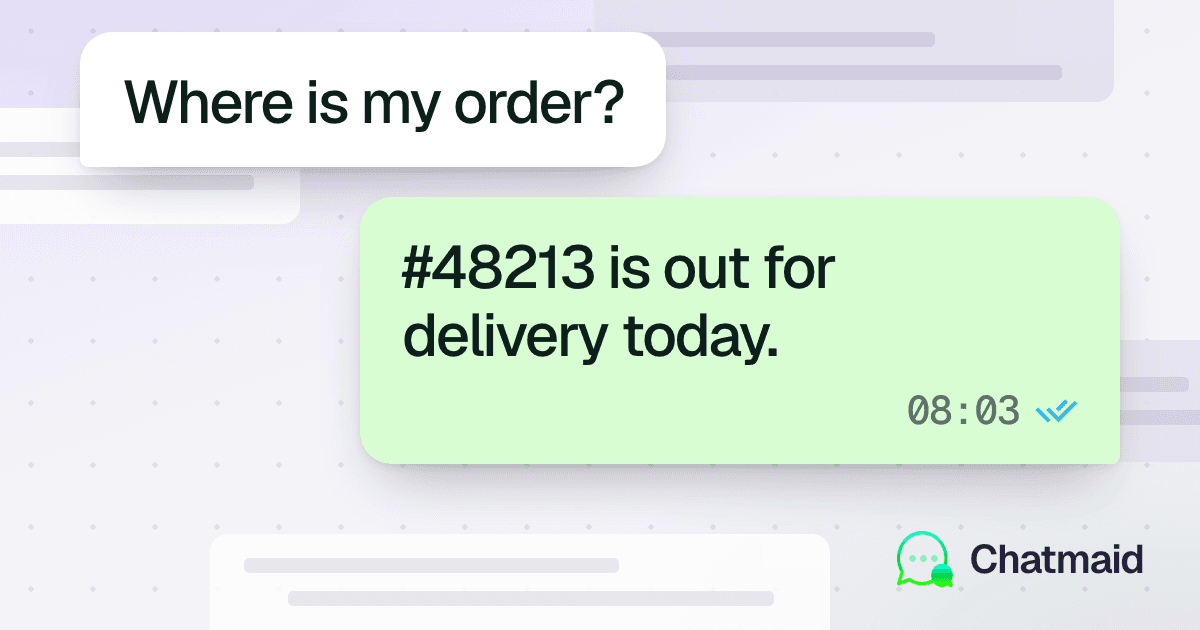
- E-commerce businesses automating order and delivery notifications
Getting Started
Free sandbox keys are available immediately at developers.chatmaid.net/signup. The sandbox simulates the complete message lifecycle — including incoming webhooks — so you can build and test your integration before connecting a real number.
Full API documentation at developers.chatmaid.net/docs.