WhatsApp API vs WhatsApp Business App: Which One Does Your Business Actually Need?
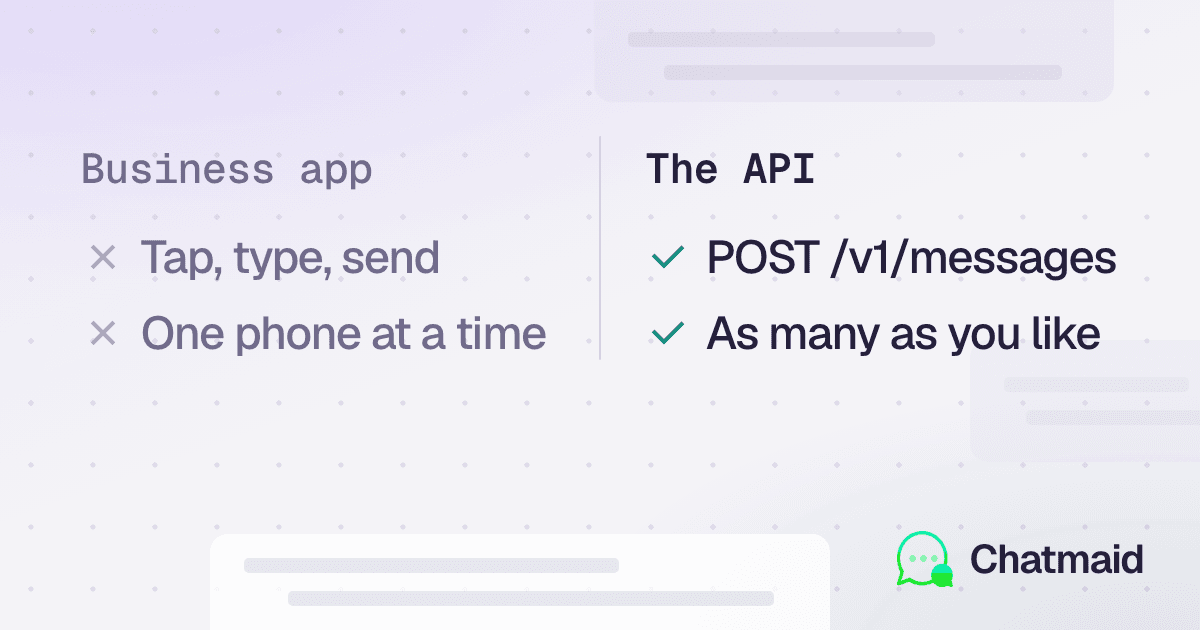
When a business decides it needs a more professional WhatsApp presence, two paths immediately appear: the free WhatsApp Business App (the blue icon you download from the App Store) and a WhatsApp API (a developer integration that sends messages programmatically).
Most businesses default to the app because it's free and familiar. Many of them should be using the API instead — and vice versa.
This guide cuts through the confusion.
What the WhatsApp Business App Is
The WhatsApp Business App is a free mobile application from Meta, available on Android and iOS. It's designed for small businesses that want a more professional presence on WhatsApp without any technical setup.
It gives you:
- A business profile with your name, logo, hours, and website
- Quick replies (saved message templates you can send with a shortcut)
- Labels to organize conversations (New Lead, Pending, Paid, etc.)
- Automated greeting and away messages
- A basic product catalog
- One connected phone number, usable on up to 5 devices
The entire experience is manual. You — or someone on your team — reads every incoming message and types every reply.
What a WhatsApp API Is
A WhatsApp API connects your phone number to software. Instead of a human typing replies on a phone, your application sends and receives messages programmatically via HTTP requests.
This means:
- Messages are triggered automatically by events in your system (order shipped, appointment confirmed, payment received)
- Incoming messages can be processed by AI, routed to the right team, or responded to without human involvement
- Multiple team members can access conversations from a shared dashboard
- Conversation history lives in your database, not on someone's phone
- The system runs 24/7 without anyone monitoring a WhatsApp app
There are two types of WhatsApp API access: Meta's official WhatsApp Business Platform (used by Twilio, 360dialog, WATI, and others), and the consumer-protocol approach used by Chatmaid — which skips Meta's business verification and template requirements.
The Real Decision Criteria
How many messages do you handle per day?
Under 50 conversations/day: The WhatsApp Business App can handle this with a dedicated person. The API is probably overkill.
50–200 conversations/day: You're at the limit of what one person can manage manually. Quick replies and labels start breaking down. An API-powered agent or at minimum a shared team inbox becomes valuable.
200+ conversations/day: The WhatsApp Business App will create a bottleneck. You need automation.
Do you need to send messages triggered by your system?
This is the clearest signal for API.
If you want WhatsApp messages to fire automatically when:
- An order is placed or shipped
- A payment is received or fails
- An appointment is booked or approaching
- A server goes down
- A new lead fills out a form
...then you need an API. The WhatsApp Business App cannot do any of this. Every message is manual.
Do you need to respond outside business hours?
The Business App has an "away message" that fires when you're marked unavailable — but it's a static, one-size-fits-all response. It can't answer questions, qualify leads, or take any action.
An AI-powered API agent responds intelligently 24/7.
Does more than one person need to handle conversations?
The WhatsApp Business App supports up to 5 linked devices — but they all share one view of conversations. There's no assignment, no ownership, no visibility into who's handling what.
With an API, you build (or use a third-party tool that builds) a shared inbox with agent assignment, internal notes, and conversation history accessible to the whole team.
Do you need conversation history in your CRM?
If you want WhatsApp conversations logged in HubSpot, Salesforce, Airtable, or any other CRM, you need an API. There's no native integration between the WhatsApp Business App and any CRM.
Side-by-Side Comparison
WhatsApp Business App
WhatsApp API (Chatmaid)
Cost
Free
$7.99/month flat
Setup
Download and sign in
QR scan, 5 minutes
Message automation
No
Yes — any trigger
AI-powered replies
No
Yes
Multi-agent inbox
Up to 5 devices, no assignment
Yes (with tooling)
CRM integration
No
Yes (via webhooks)
24/7 auto-response
Basic away message only
Full AI agent
Business verification
Not required
Not required (Chatmaid)
Template requirements
No
No (Chatmaid)
Receives webhooks
No
Yes
Sends media
Yes (manually)
Yes (programmatically)
Volume limit
Human capacity
Effectively unlimited
Which One Is Right for You?
Use the WhatsApp Business App if:
- You're a solo operator or very small team
- You handle under 50 conversations/day comfortably
- Your customers primarily initiate conversations
- You don't need CRM integration or automation
- You want zero technical setup
Use the WhatsApp API (Chatmaid) if:
- You want to send automated notifications (orders, appointments, alerts)
- You want an AI agent to handle first-response and qualification
- You're building a product that includes WhatsApp as a feature
- You need multiple team members to share a conversation queue
- You want conversation history in your CRM or database
- You receive more messages than one person can manually handle
- You want to respond to customers at 3am without being awake
Can You Use Both?
Yes — and many businesses do. A common pattern:
- Inbound support: handled by a WhatsApp Business App on a support team member's phone
- Automated notifications: sent via the API from your system (order updates, reminders)
- AI first-response: API handles the first reply and qualifies the lead before routing to a human
The two don't conflict as long as they're on different phone numbers.
The Hidden Cost of the "Free" App
The WhatsApp Business App is free in dollars but expensive in time. If one person spends 2 hours/day manually responding to WhatsApp messages, that's 40+ hours/month — worth hundreds or thousands of dollars in labor.
An API-powered agent that handles first-response and FAQ reduces that to escalations only. The $7.99/month pays for itself in the first hour.
Getting Started with the API
If you've decided the API is the right path, Chatmaid is the fastest entry point:
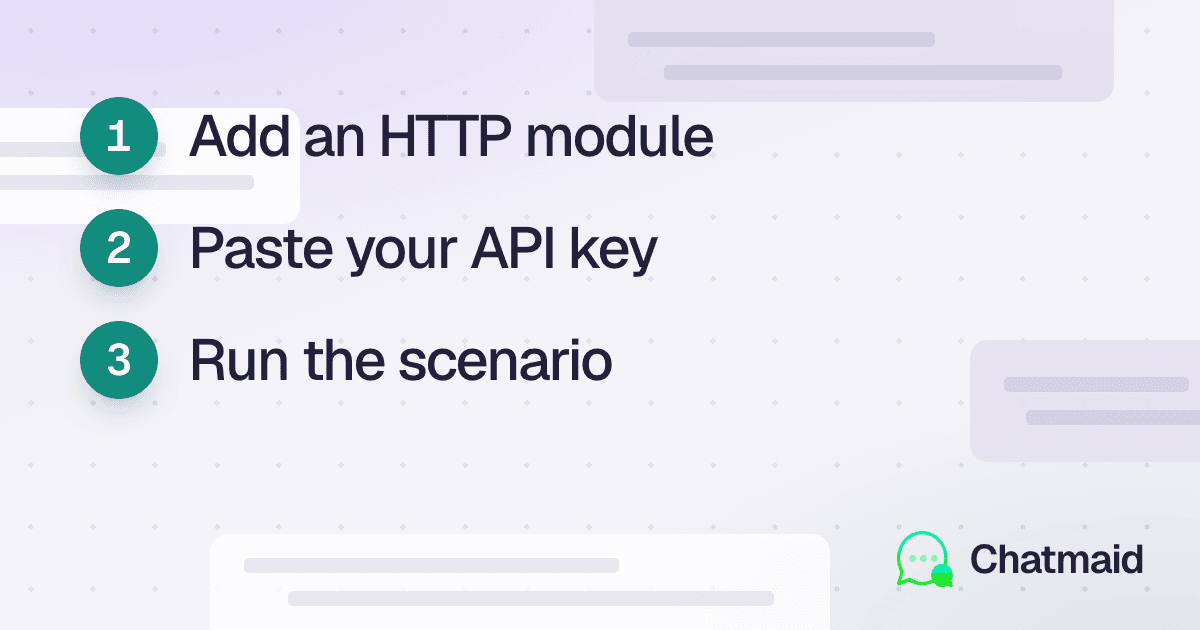
- Sign up at developers.chatmaid.net/signup — sandbox is free
- Connect a number via QR scan
- Make your first API call
No Meta business verification, no template approvals, no per-message billing.
Full documentation: developers.chatmaid.net/docs